Open enrollment is the one time each year when most employees can change their benefits. It is also one of the busiest times of the year for HR teams. For employers in Charlotte, Huntersville and Lake Norman, a clear plan can be the difference between an organized enrollment and weeks of payroll corrections. Below is a checklist to help ensure your open enrollment goes smoothly.
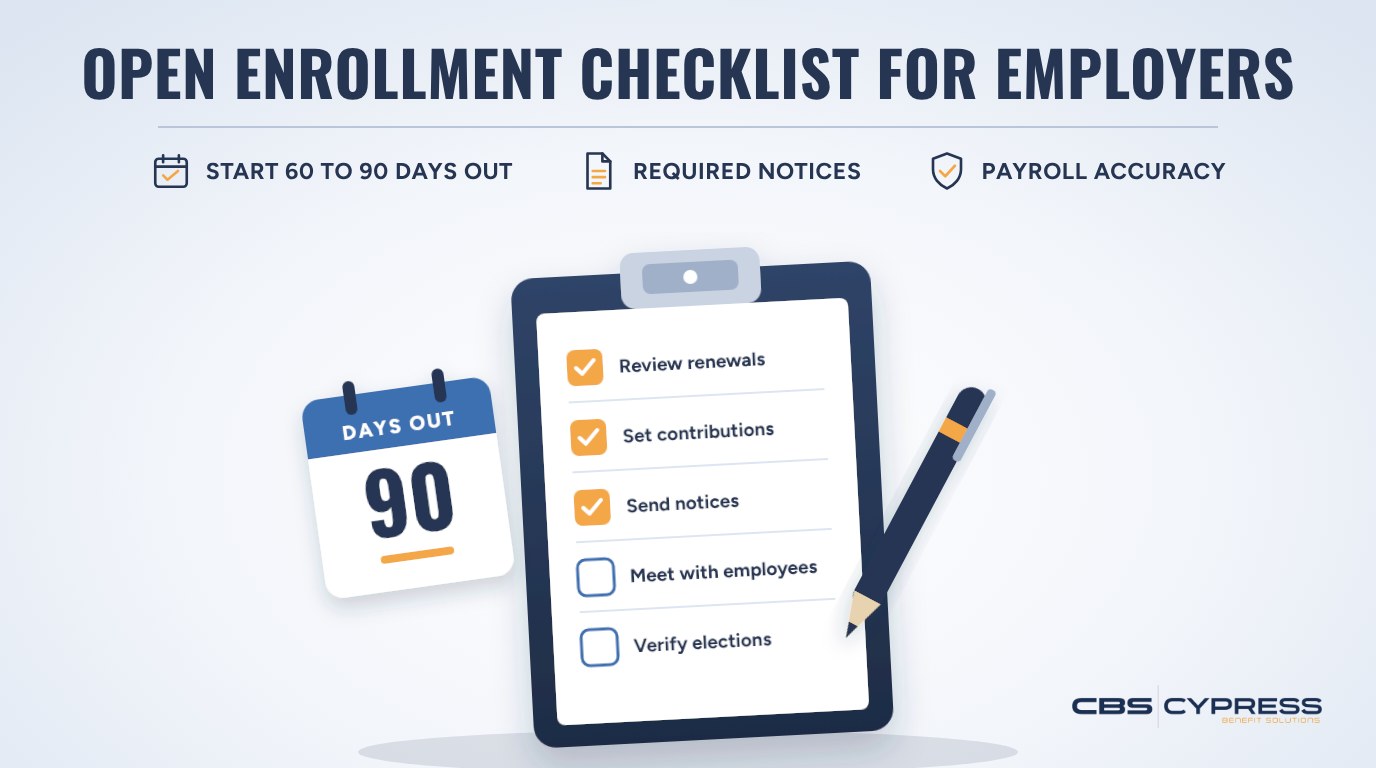
This checklist breaks down what you need to complete in the 60 to 90 days leading up to open enrollment. If you are already in open enrollment, jump to that time frame. Many employers with a January 1 plan year are already enrolling, so the later sections are also a useful way to confirm nothing has been missed.
What Is Open Enrollment?
Open enrollment is an annual window before your new plan year begins. During this time frame, your employees can enroll in, change or drop their benefits. This includes medical, dental, vision, life insurance, disability and any FSA or HSA accounts. Outside of open enrollment, employees can only change their benefits after a qualifying life event, and the change typically must be requested within 30 days of the event.
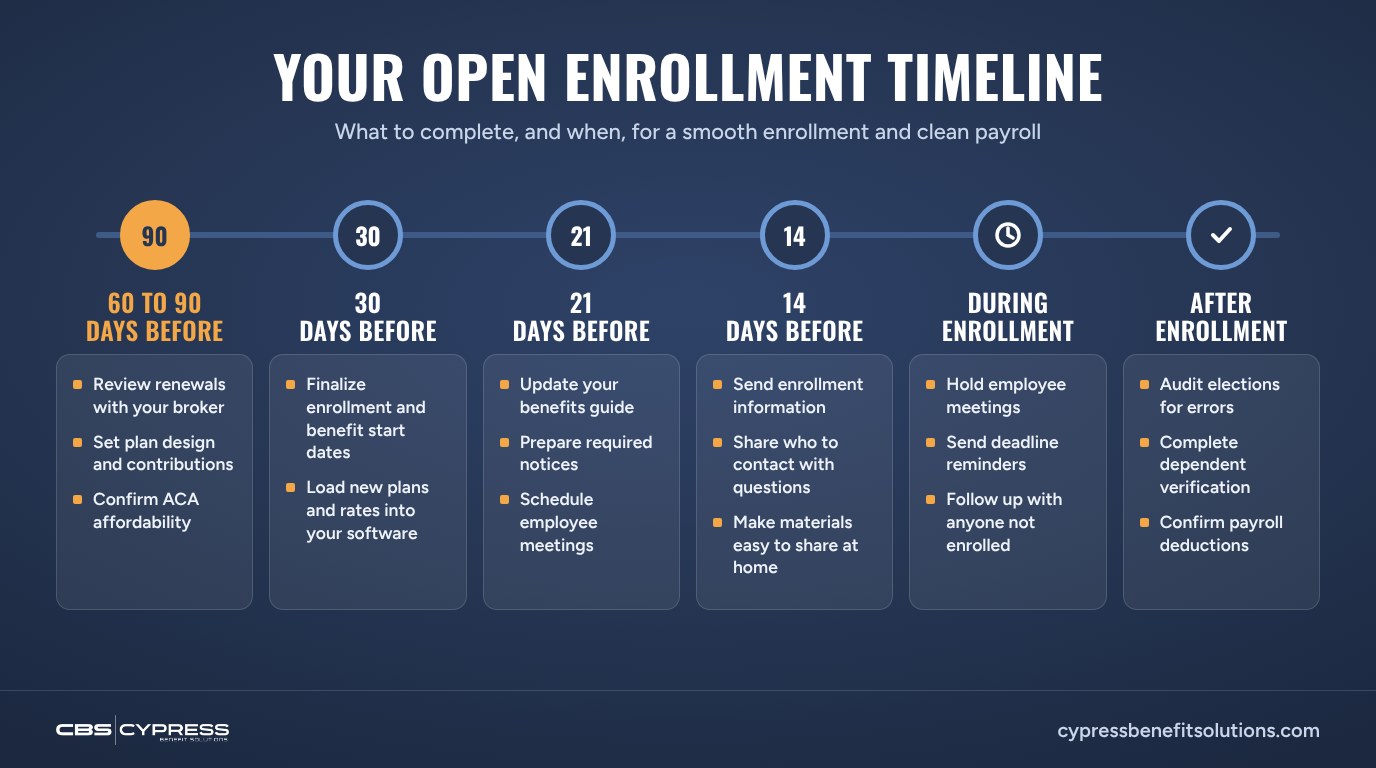
60 to 90 Days Before Open Enrollment
- Review your renewals with your broker as soon as they arrive, and compare them to your current plans and to alternatives in the market.
- Decide on any plan design changes, such as deductibles, copays or carriers.
- Determine what you are contributing towards each benefit.
- If you have 50 or more full-time employees, confirm that your contributions keep at least one plan affordable under the ACA.
- Decide whether you will use active or passive enrollment.
30 Days Before Open Enrollment
- Finalize your open enrollment dates and the date new benefits begin.
- Make sure your benefits administration or enrollment software has your new benefits and rates.
21 Days Before Open Enrollment
- Update your benefits guide to reflect any changes in rates or benefits.
- Create any required notices that need to be sent to your employees, including:
- Summary of Benefits and Coverage (SBC) for each medical plan
- Medicare Part D creditable coverage notice
- Children’s Health Insurance Program (CHIP) notice
- Women’s Health and Cancer Rights Act (WHCRA) notice
- HIPAA special enrollment rights notice
- Create a summary of what has changed this year and what has stayed the same.
- Plan out when you will be meeting with employees about open enrollment. You can also record the meeting for those who are unable to attend.
14 Days Before Open Enrollment
- Send out your open enrollment information to your employees. Make sure to include what is changing this year and how they can enroll.
- Let them know what they need to do to complete open enrollment.
- Include who they can reach out to with questions and when they can expect a response.
- Make the materials easy to share at home, since spouses often help make benefit decisions.
During Open Enrollment
- Meet with your employees about open enrollment, whether that be in person or a virtual meeting.
- Send reminders to your employees that open enrollment is coming to an end.
- Follow up with employees who have not completed open enrollment.
- Provide a list of frequently asked questions that employees may ask during open enrollment.
After Open Enrollment
- Go through your employees’ elections to make sure there are no errors.
- Complete a dependent verification if you have not done one recently.
- Make sure payroll has the correct deductions for your employees.
- File all open enrollment documents and let employees know what they should do if they have questions after open enrollment.
Common Open Enrollment Mistakes to Avoid
Here are some mistakes that employers commonly make during open enrollment.
- Not sending information out to your employees early enough. They want to be informed about any changes to their benefits and have time to decide what they want to do.
- Not including what has changed with your benefits. Provide your employees with a list of what has changed and what has not.
- Forgetting to double-check payroll deductions. Always double-check that your employees have the correct deductions after open enrollment.
- Only looking at your benefits renewals and not comparing what you are being offered versus what you currently have.
- Changing contributions without checking ACA affordability. Employers with 50 or more full-time employees can face IRS penalties if their coverage does not meet the affordability standard.
- Skipping dependent verification for years. Ineligible dependents on the plan raise costs for the employer and for every employee.
- Leaving spouses out of the conversation. When materials are hard to share at home, employees often make rushed decisions or miss the deadline.
Need Help With Open Enrollment?
Cypress Benefit Solutions helps employers in Charlotte, Huntersville and Lake Norman plan and run open enrollment, from renewal review and employee communication through the questions that come up after enrollment ends.
Schedule a renewal and open enrollment review.
Frequently Asked Questions
How long should open enrollment be?
There is no required length for open enrollment, so you can set whatever window works for your company. We typically recommend 7 to 10 days. In our experience, most employees wait until the last few days to enroll no matter how long the window is, so a shorter period keeps enrollment top of mind without dragging on. You can always allow more time, for example if your employees work across several locations or shifts. Whatever length you choose, send reminders as the deadline approaches.
What is the difference between active and passive enrollment?
Active enrollment means all employees have to complete open enrollment or they will not have coverage for the new plan year, unless your plan has a default election. Passive enrollment allows your employees to keep their current benefits if they do not complete open enrollment. Health and dependent care FSA elections generally do not carry over from year to year, so employees will still need to make a new election. Employees with an HSA should also review their contribution, since IRS limits change each year.
Can my employees change their benefits after open enrollment?
Your employees will only be able to change their benefits if they experience a qualifying life event, such as getting married, having or adopting a baby or losing other insurance. Changes typically must be requested within 30 days of the event.
For another benefits administration topic, read What Employers Need to Know About COBRA.